Coding a virtual world
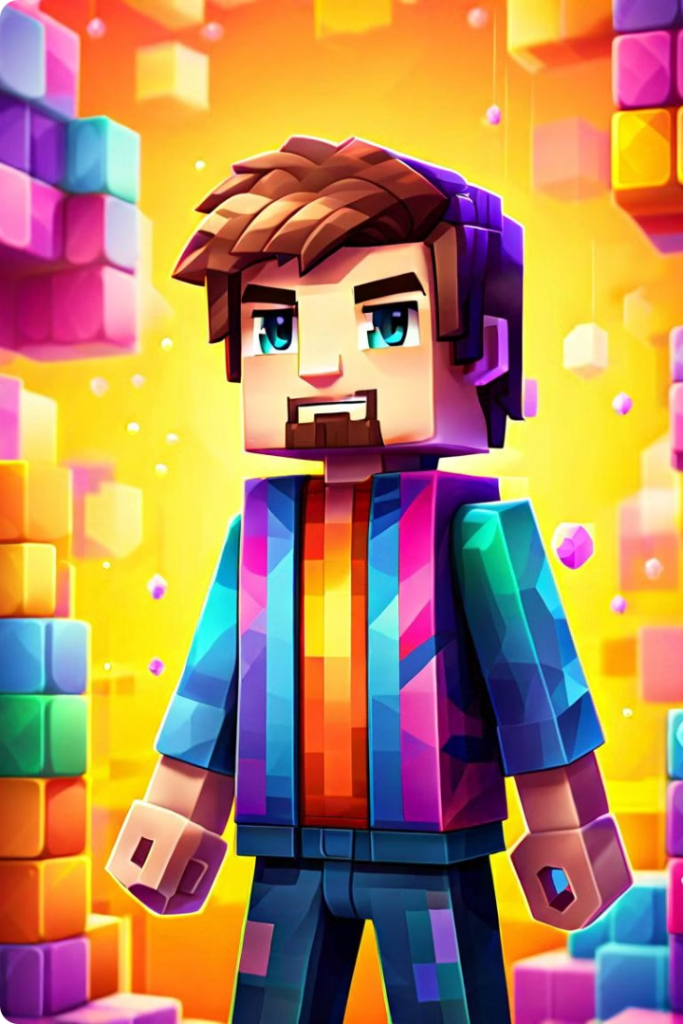
I have been teaching programming skills using Minecraft Education software for quite a few years now, and I still love it. Perhaps what I love the most about Minecraft Education is that the possibilities are endless. There are multiple options each step of the way, and it is so versatile that it creates a virtual space for each individual where creativity can just flow, with no limits or restrictions.
It was in 2021 when I realised that my students really struggled with coding. There are multiple reasons for this, and I still haven’t got the answer to how to engage them so they get so motivated that they go home and the only thing they want to do (or at least one of them) is code.
I think of coding like a very creative activity, such as writing a novel or painting a canvas. The difference is that in order to get the story or the piece of art you want, you need to go through the struggle of getting the code wrong and then solving each of the errors or, in other words, debugging the code. However, once you overcome those challenges, you can create anything you can imagine. In Minecraft, for example, you can create your whole world!
Imagine having the possibility of creating a better world. A world with clean water, with no pollution, with a sustainable environment, with restaurants where people could eat and no one gets hungry, or where people always have access to the best health care available. Where education reaches every community and no one is left behind because they don’t have the necessary resources. A world full of kindness, empathy and good hearts. This is possible in Minecraft Education. The students can use their agents to build a world as they want it.
I like giving my students the tools to learn how to program and see what they create. The more they practice, the easier it is for them to code, so they spend less time debugging and more time creating. This seems simple to understand, I think everyone understands that the more you do something, the better you become at it, assuming that you learn from your mistakes! But the problem is that to learn from your mistakes, you have to really concentrate while you are coding, and in a world full of distractions, this has been proven to be complicated.
I would advise beginners to code on a regular basis, at least 20 minutes a week. A bit more would be ideal, but it is better to start small. It would be even better if every day you could do 5 minutes, so every day, you refresh your memory and try to remember what you learnt the day before. The key is consistency, and once consistency has been mastered, the key is to create more and more complex code.
This is crucial because it has to be complex enough to keep you motivated, but not too complex so you think it’s impossible and you quit. How do we achieve the right balance? It is hard to say, but perhaps adding a different type of loop every week is a way to start.
A loop is what allows us to repeat a bit of code, and we can use it to build walls, plant flowers or create fancy paths in our Minecraft world. We can use nested loops to build an urbanisation with a swimming pool, a restaurant, a gym, a school, a hospital… you name it!
I don’t want to get too much into programming fundamentals, but rather explain the endless possibilities that Minecraft Education offers to those that are starting to code.
One of my favourite features is that you can code using blocks of code, or Python programming language. I recommend starting coding in a text-based programming language from the age of 11, so our students start feeling more confident when they face their Computer Science GCSEs.
If you haven’t had the chance to code in Minecraft yet, you can download the free version at home and try the Hour of Code lesson. It shows you the main commands you need to use in Minecraft Education and it is a great introduction to code.
If you haven’t done so yet, I hope you enjoy it!

 COMPUTER SCIENCE REVISION
Leave a comment